Pattern Files
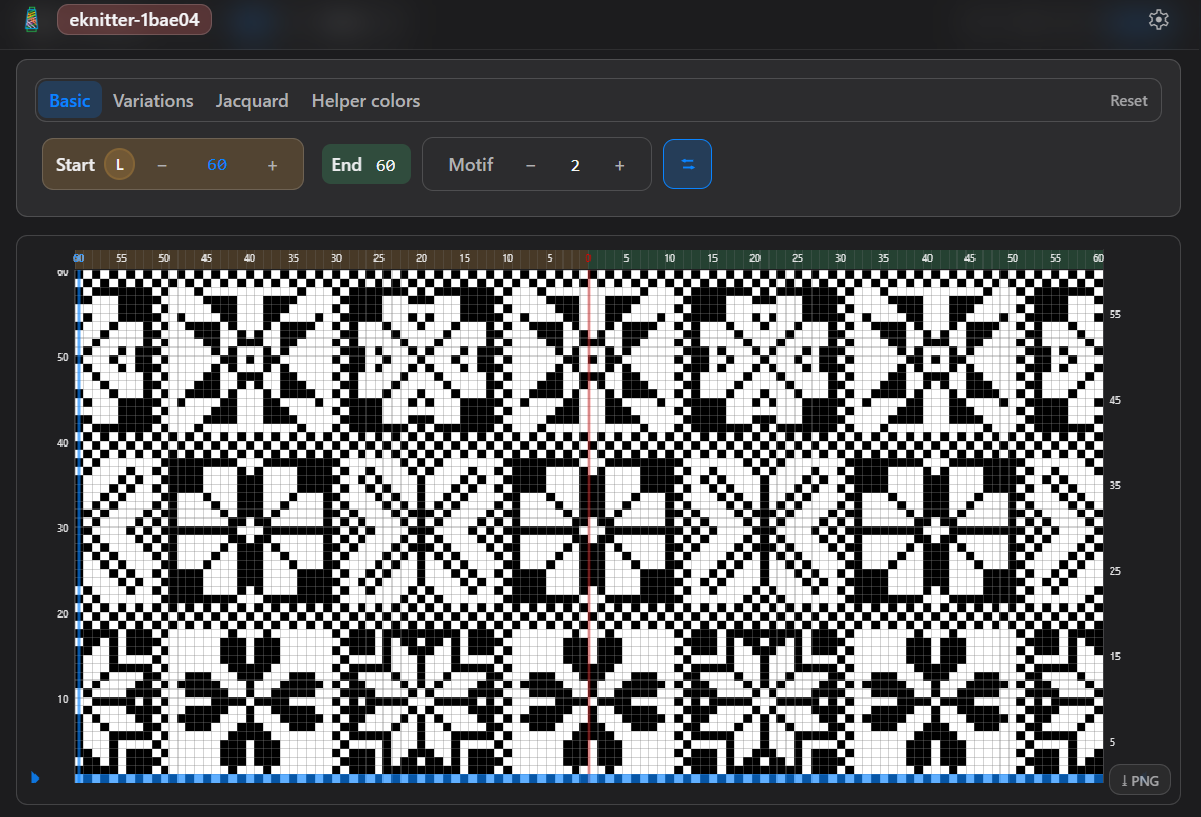
Download the ZIP files. Before you can use them with eKnitter, you need to download and unzip the files on your computer. How it works: 💡 If the file is still zipped, eKnitter cannot read it.
Download the ZIP files. Before you can use them with eKnitter, you need to download and unzip the files on your computer. How it works: 💡 If the file is still zipped, eKnitter cannot read it.
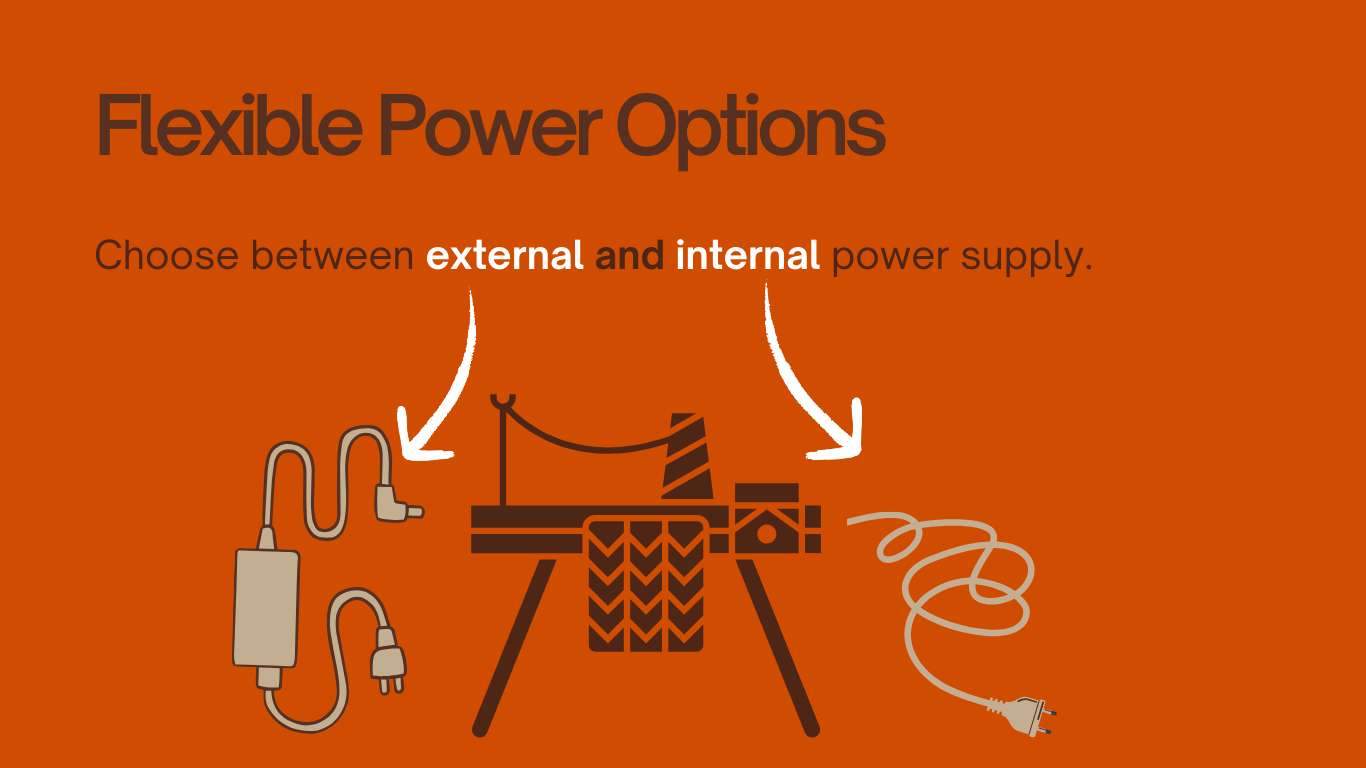
External power for eKnitter A modern power option for your Brother knitting machine. With eKnitter, your Brother KH 930 / KH 940 can also use a modern external power supply. Most users will already have a working country setup — this is simply an additional option for a cleaner, more modern machine setup. Not required … Read more
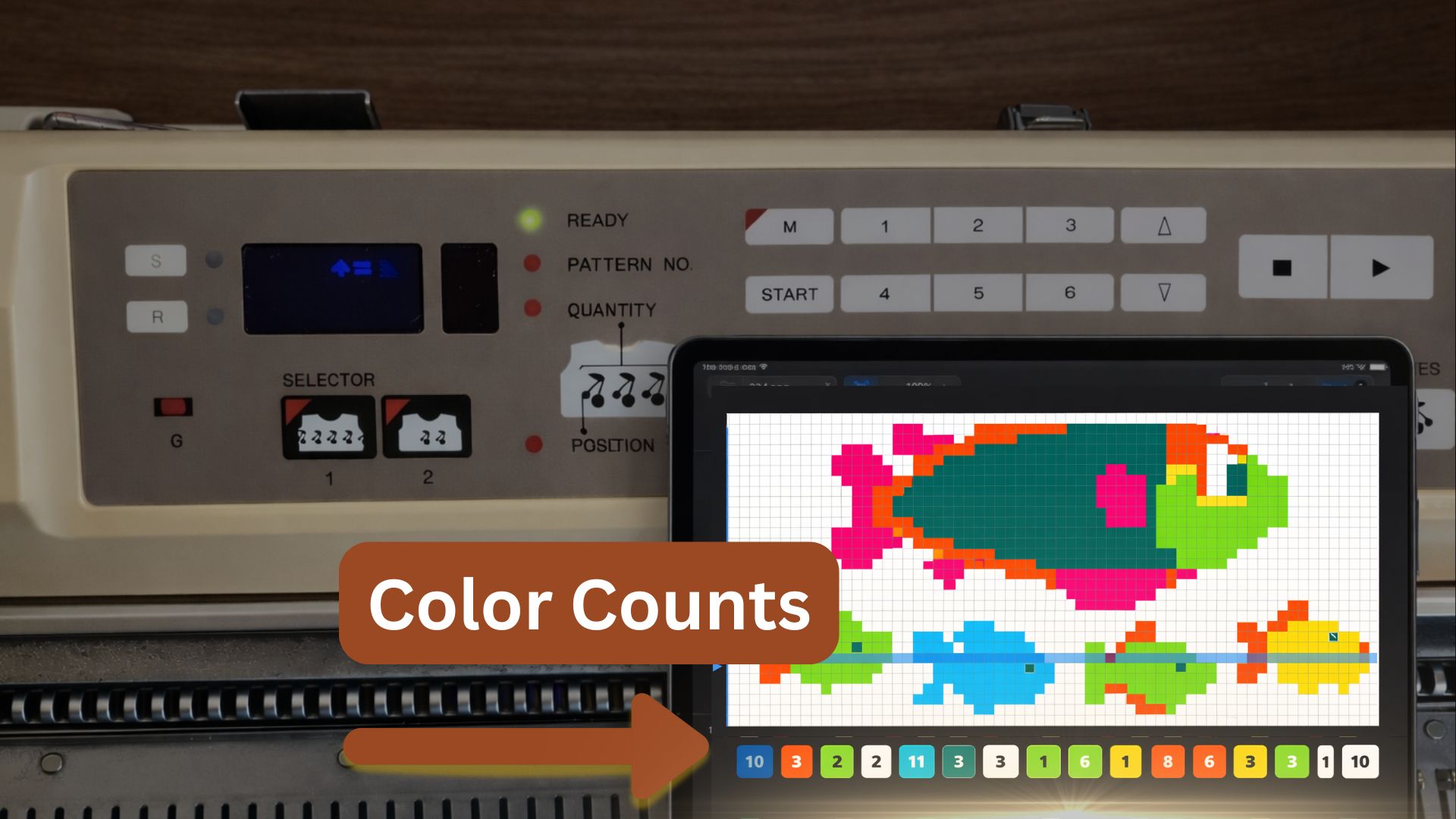
eKnitter WebApp Feature What is the Colour Count row legend? See how many stitches of each colour appear in the row you are knitting — and where they are positioned on the needle bed. The legend sits below your pattern grid and helps you read the active row before you knit. A simple row guide … Read more
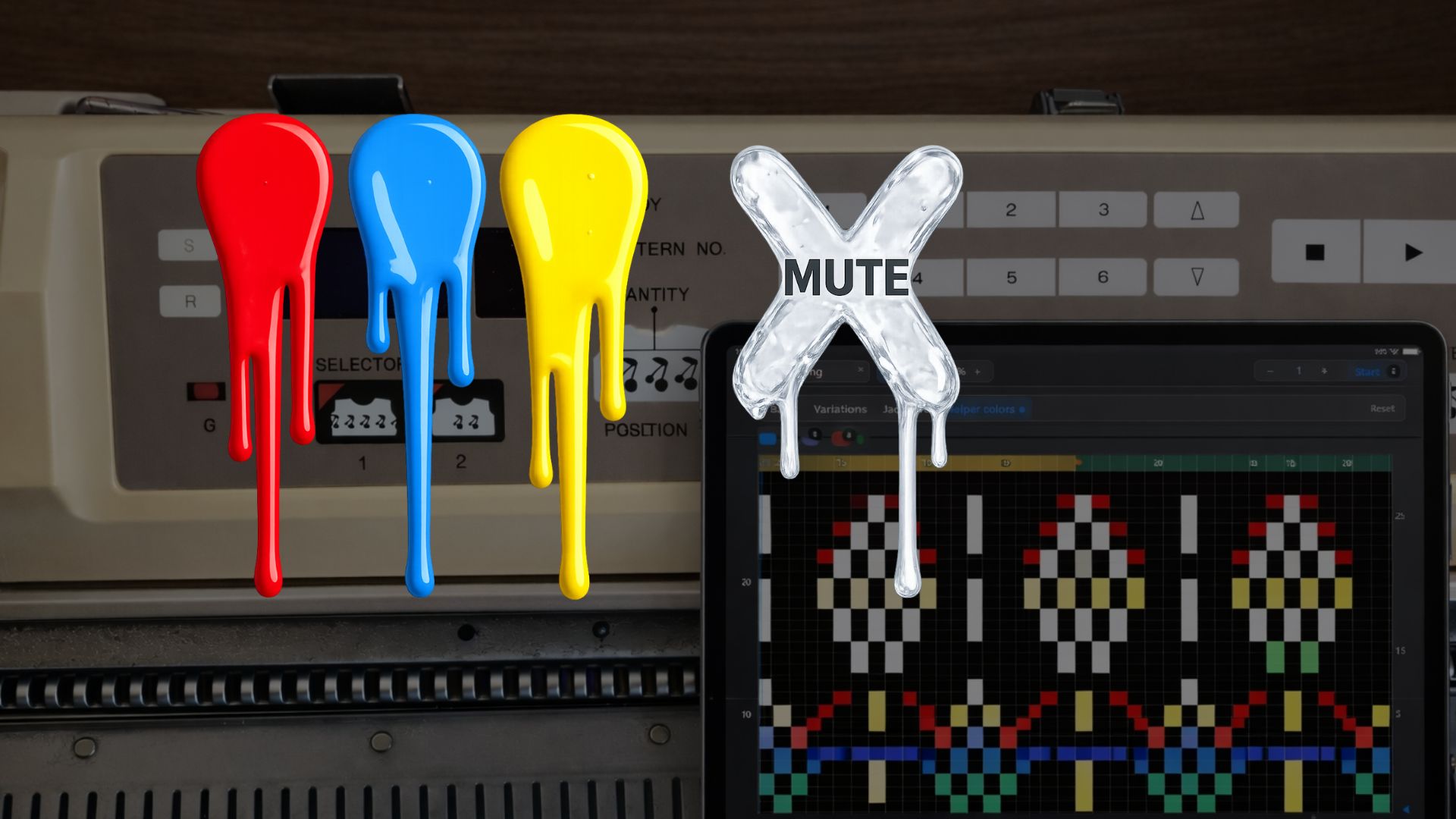
eKnitter WebApp Feature Mute any colour. Use colours as invisible helper layers inside your stitch chart — for planning, testing, marking and creating different versions of the same pattern. Plan inside the chart Helper colours for your eyes. Add small coloured marks directly inside your pattern. Use them as reminders, design notes or extra planning … Read more
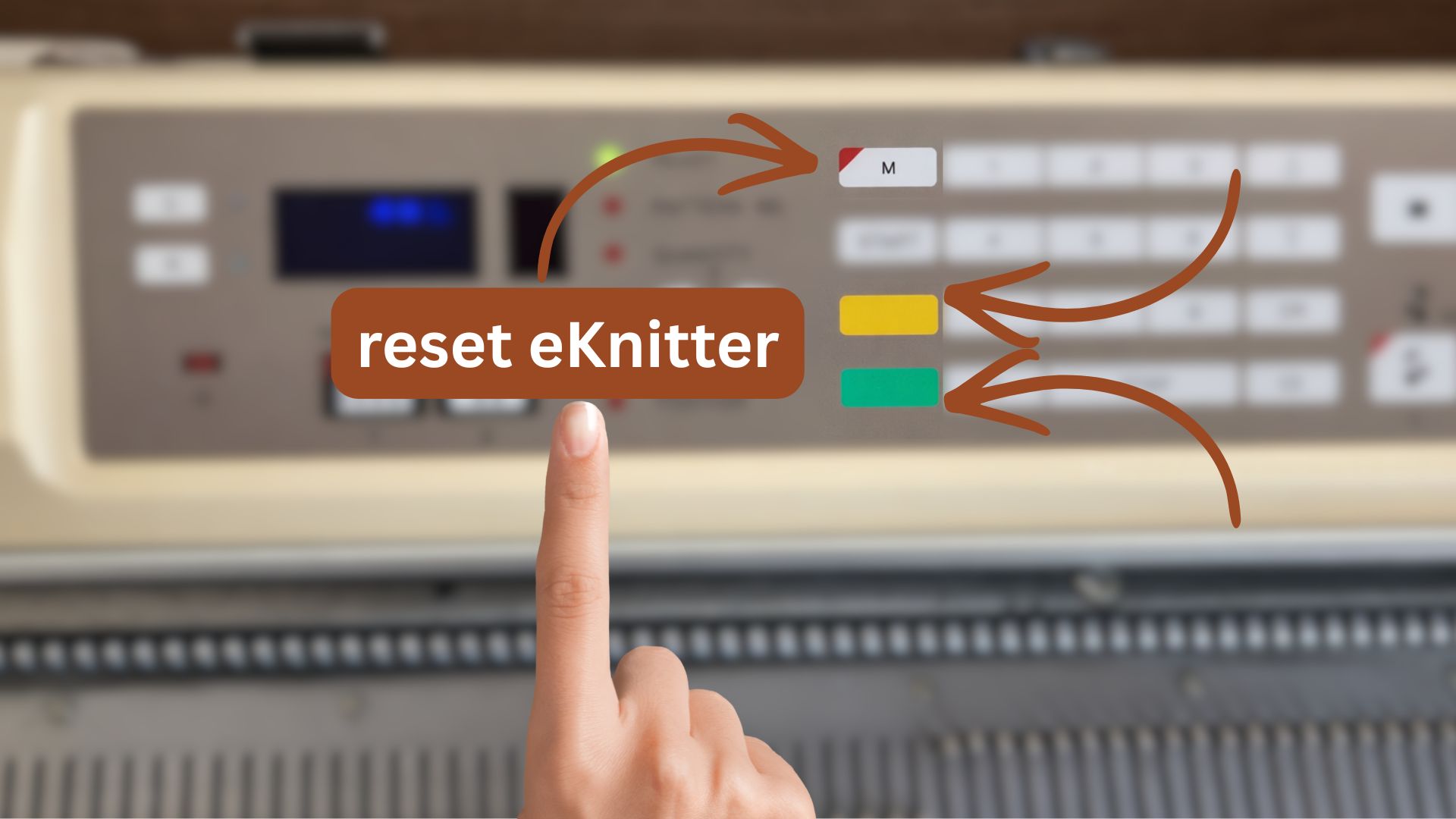
If your Wi-Fi network changes, you can update the Wi-Fi settings saved in your eKnitter.There are three options to change or delete your Wi-Fi settings. Option 1 — Change Wi-Fi in the WebApp (recommended) Use this if your eKnitter is still reachable in your browser. Your eKnitter reconnects automatically. Option 2 — Reset Wi-Fi settings … Read more
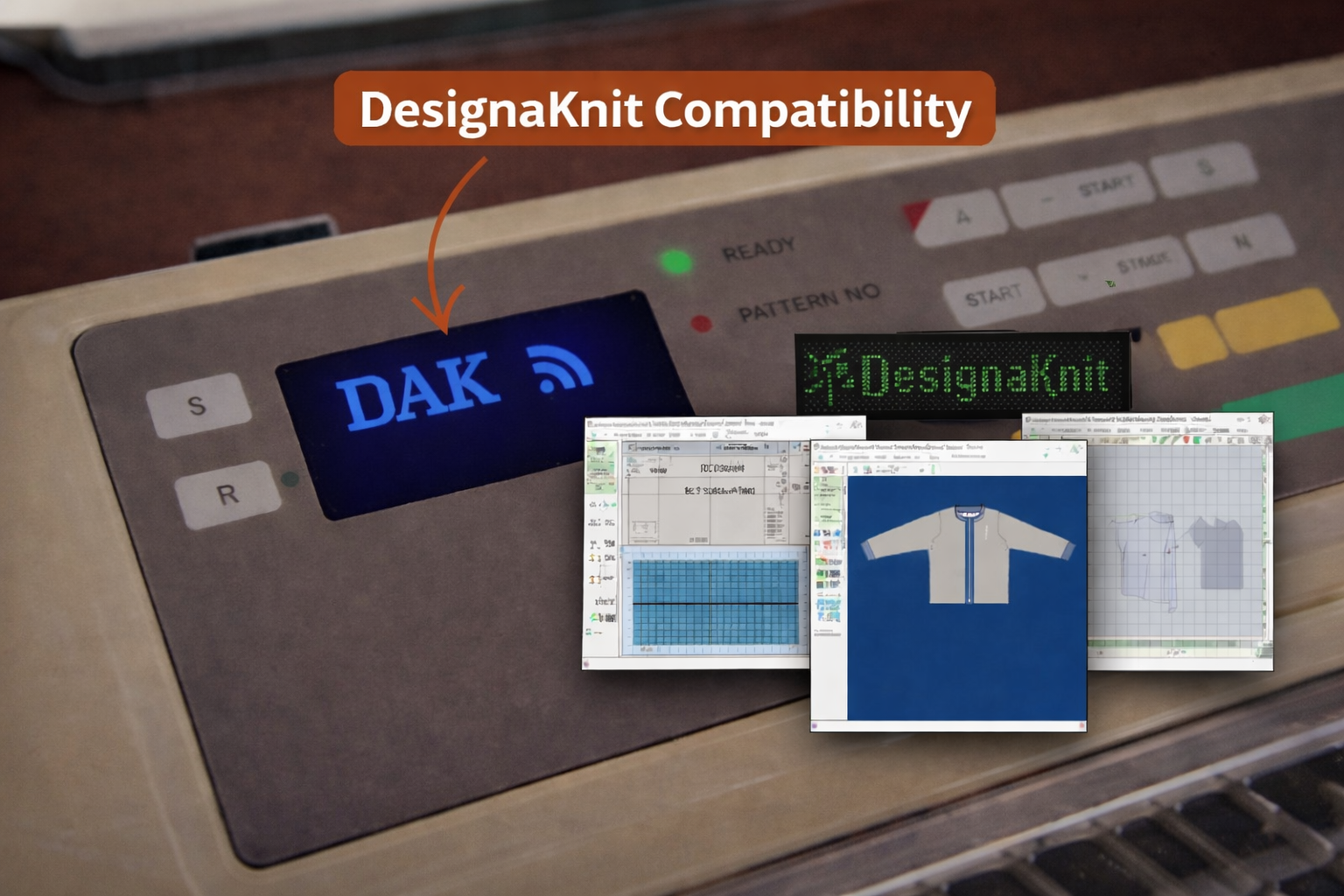
DesignaKnit 9 + eKnitter Keep DesignaKnit. Knit wirelessly. If you already love working with DesignaKnit 9, eKnitter lets you bring that workflow to your Brother machine in a cleaner, modern way — without old cables, serial adapters, or complicated transfer setups. Get eKnitter Watch how it works For DesignaKnit users. You do not need to … Read more
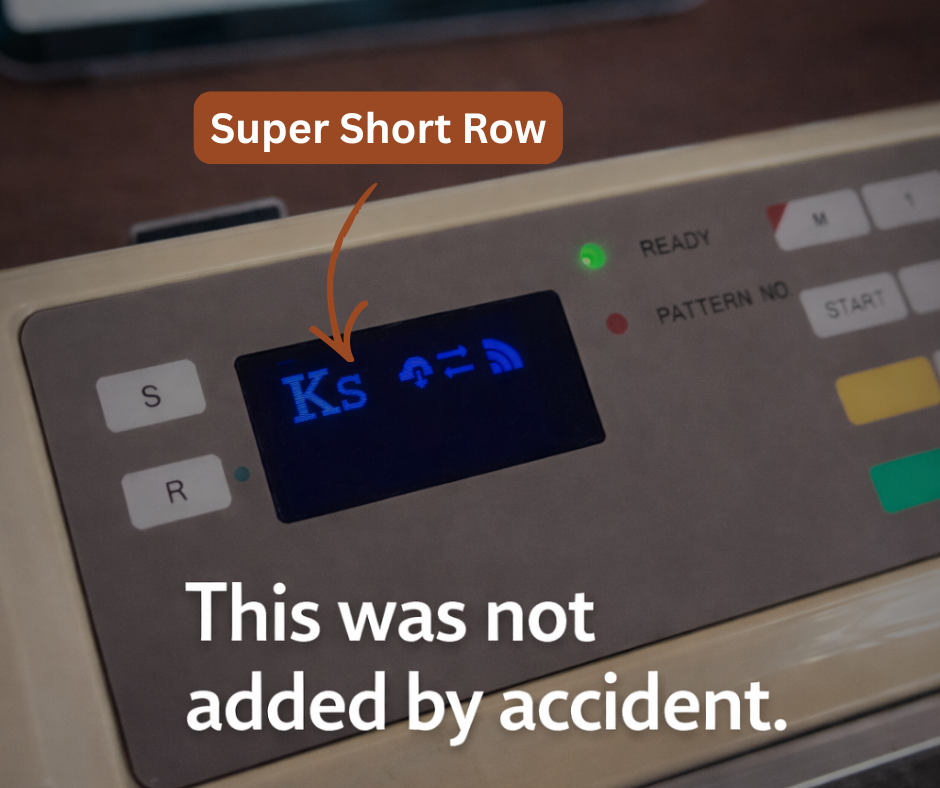
Super Short Row Not every feature starts in software. Some start on the needles. Super Short Row was added because a real knitting project needed a calmer, shorter movement. Why we added it The sleeve made the problem visible. On the original Brother machine, the next pattern row advances after the carriage passes the middle … Read more
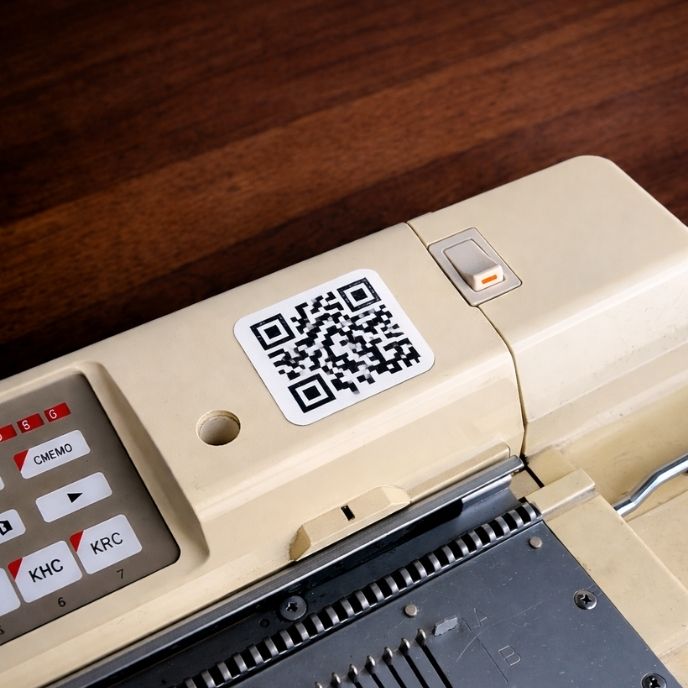
Personal eKnitter QR Code Your machine. One scan away. Scan. Knit. That’s it. Create your personal eKnitter QR Code, print it once, stick it on your machine — and open eKnitter instantly. No searching.No typing.No tiny interruptions. Your personal QR Code gives every eKnitter machine its own quick access. It keeps the workflow simple — … Read more
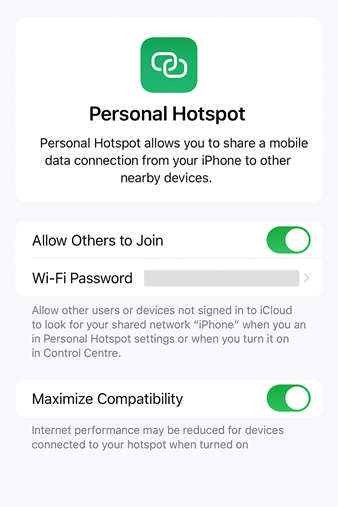
Yes — and here’s how! Some knitters don’t always work from home. They take their knitting machines to classes, workshops, retreats, or even on vacation. So we often hear this question: “Can I use my eKnitter if there’s no Wi-Fi around?”“I often knit in different places and don’t want to ask for the Wi-Fi password … Read more