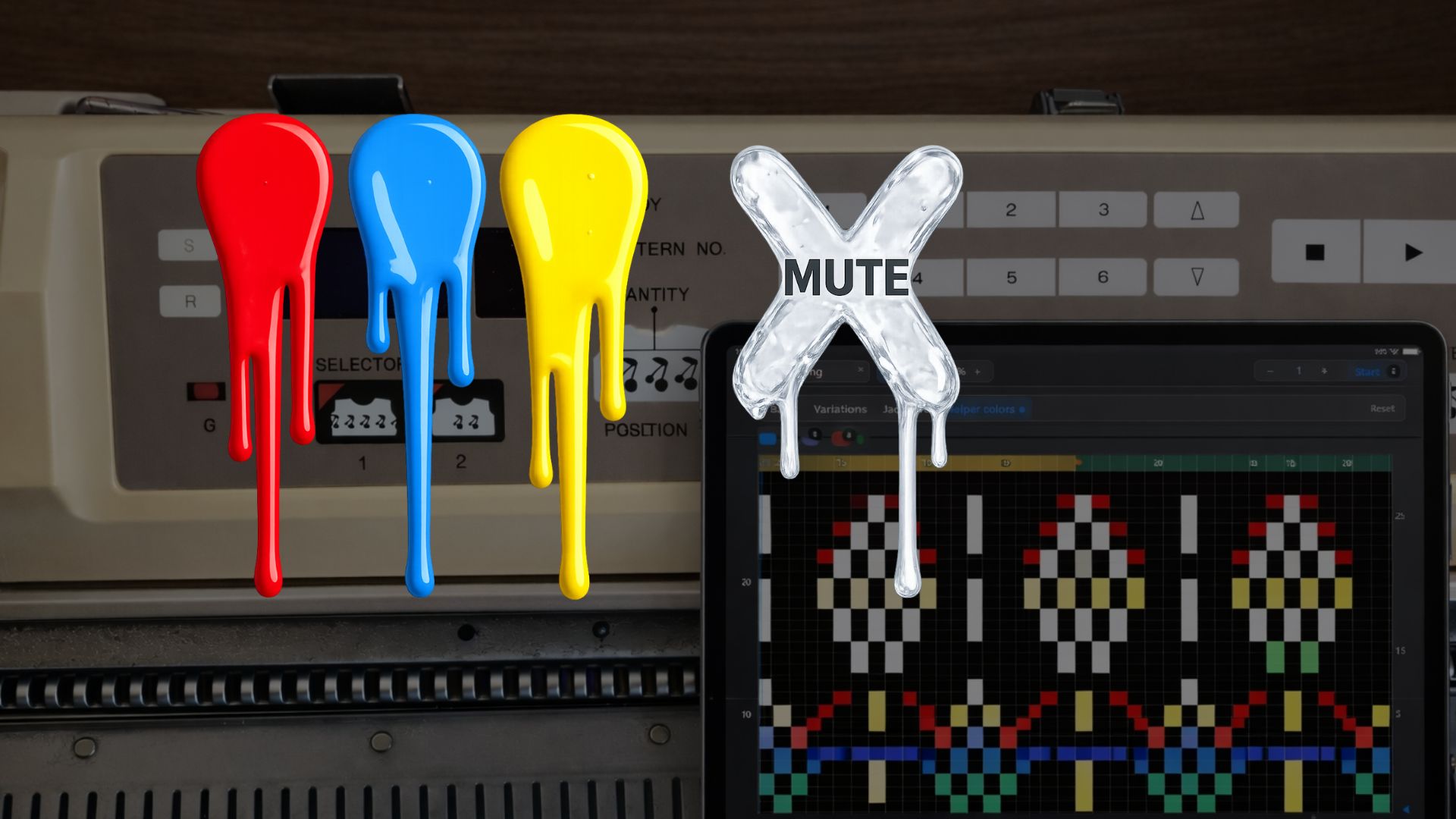
eKnitter WebApp Feature
Mute any colour.
Use colours as invisible helper layers inside your stitch chart — for planning, testing, marking and creating different versions of the same pattern.
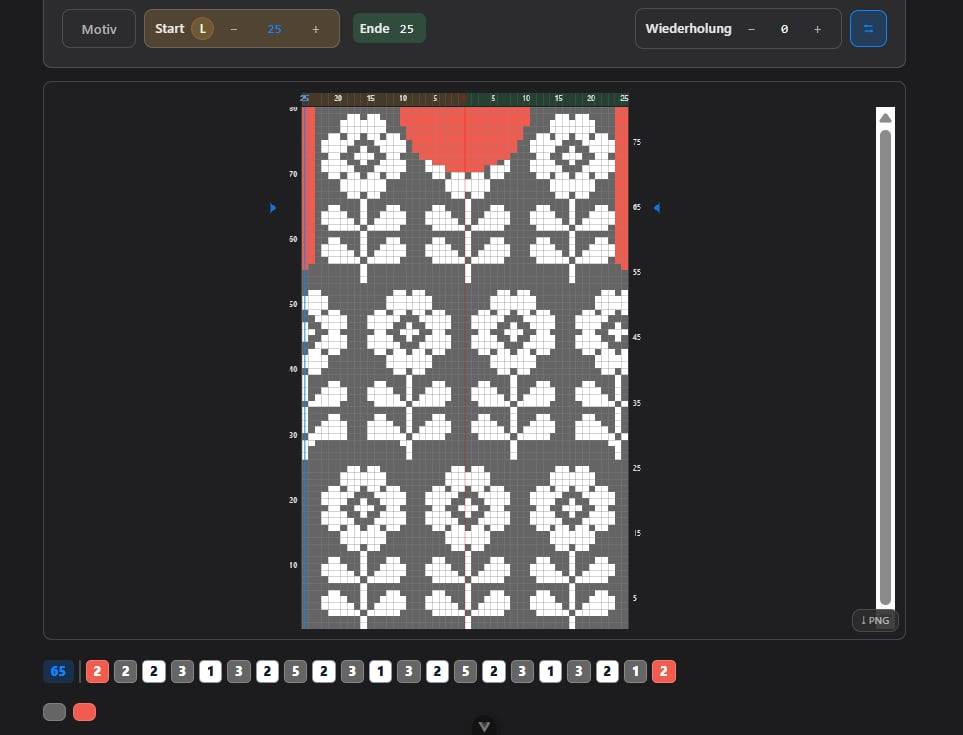
Helper colours for your eyes.
Add small coloured marks directly inside your pattern. Use them as reminders, design notes or extra planning layers while you work.
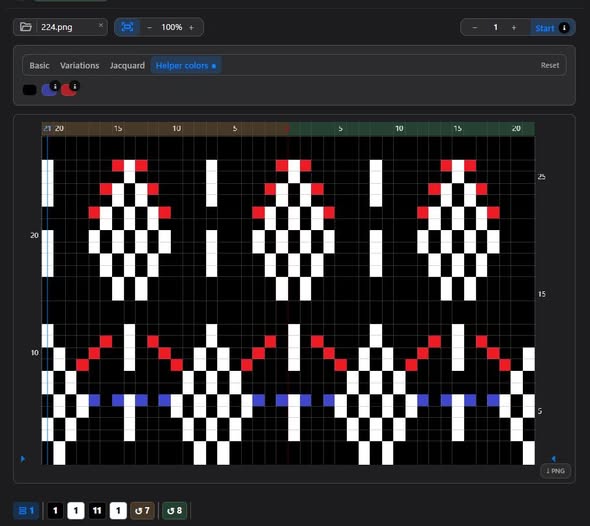
Invisible for the machine.
When you mute a colour, eKnitter ignores it. It stays visible on your screen, but your Brother machine will never knit it.
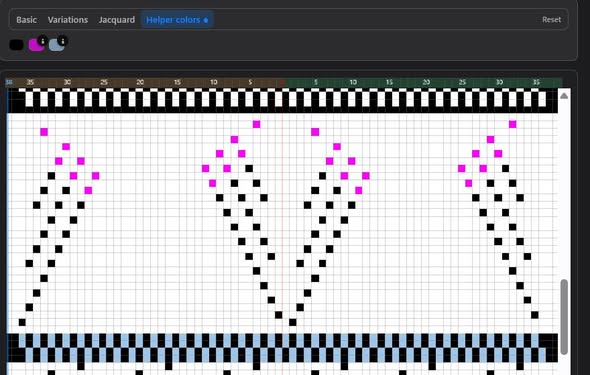
One file. Many results.
Keep several ideas in one chart. Turn colours on or off and create different versions without redrawing the pattern again.
Like extra punchcard layers — but flexible.
On a real Brother punchcard, you only have one fixed set of holes. Once it is punched, that is the pattern. With eKnitter, you can plan more freely: add colours for ideas, options and reminders — then mute what should not be knitted.
Add colours
Use small coloured dots as helper information inside your chart.
Plan options
Try lace, Fair Isle placement, shaping marks or notes.
Mute a colour
Turn off the colour you do not want the machine to knit.
Knit freely
Create different results from the same file, without starting again.
Design with more freedom.
Helper colours are especially useful when you want to experiment, compare ideas or keep useful notes directly inside your pattern.
Old machine. New creative workflow.
eKnitter gives your classic Brother electronic knitting machine a modern way to work with patterns — playful, flexible and much easier to explore.
Works with supported Brother electronic knitting machines using the eKnitter upgrade.