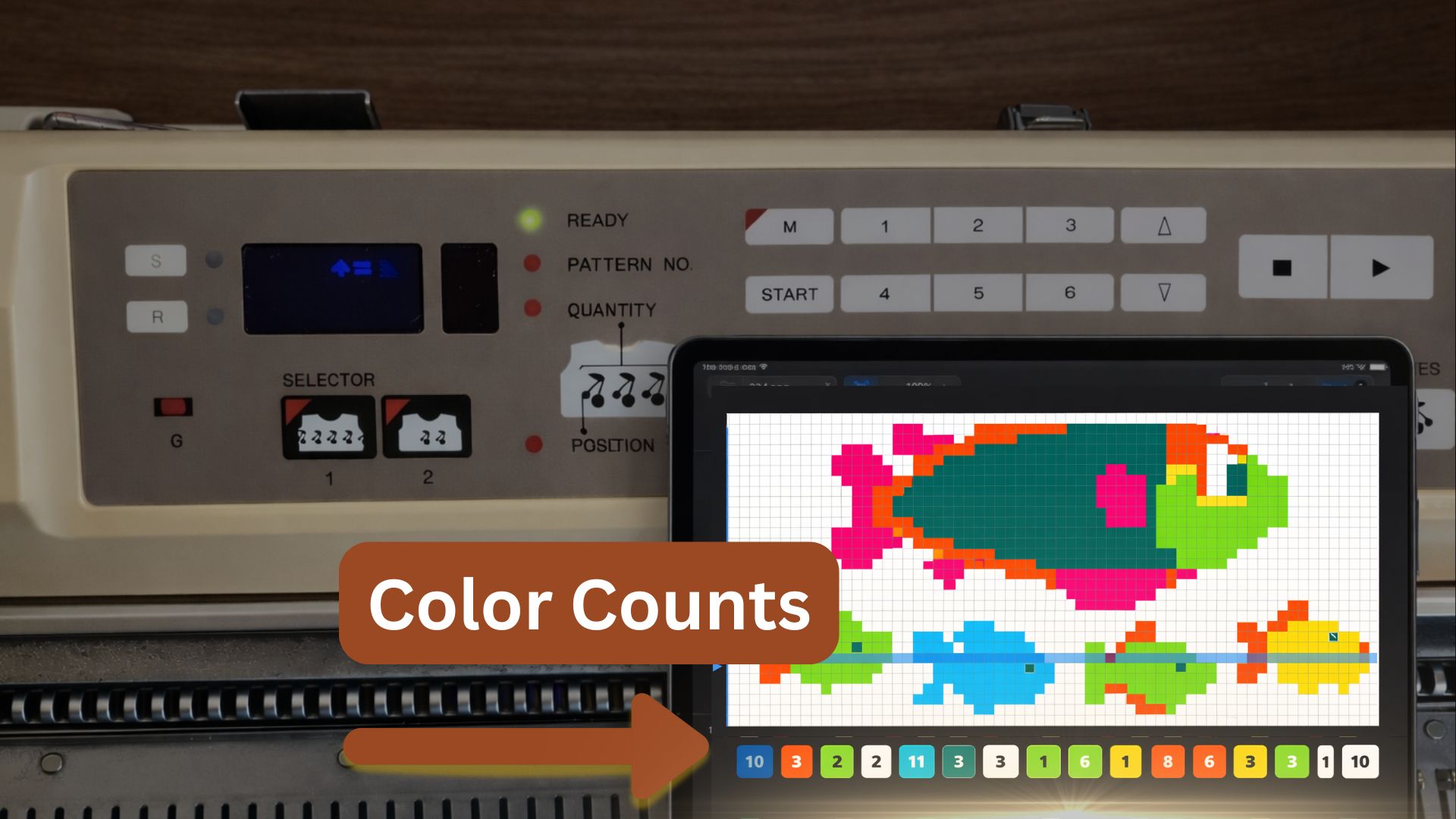
What is the Colour Count row legend?
See how many stitches of each colour appear in the row you are knitting — and where they are positioned on the needle bed.
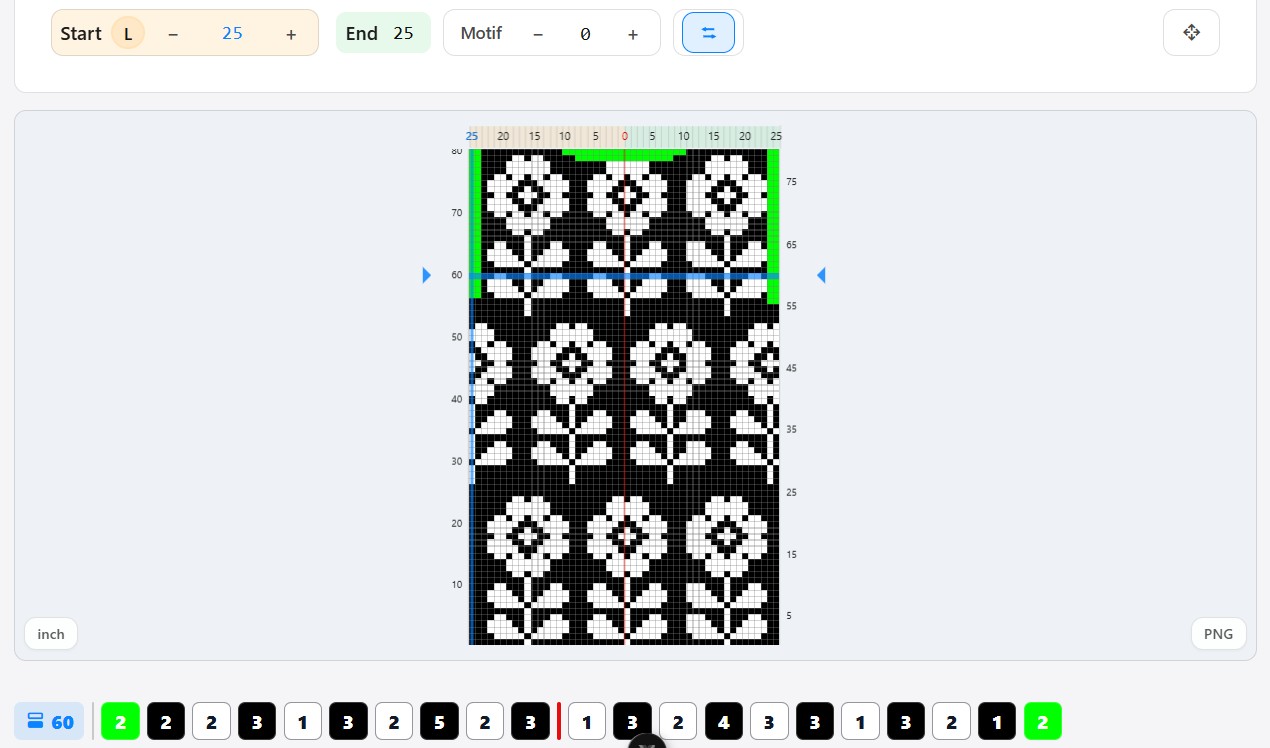
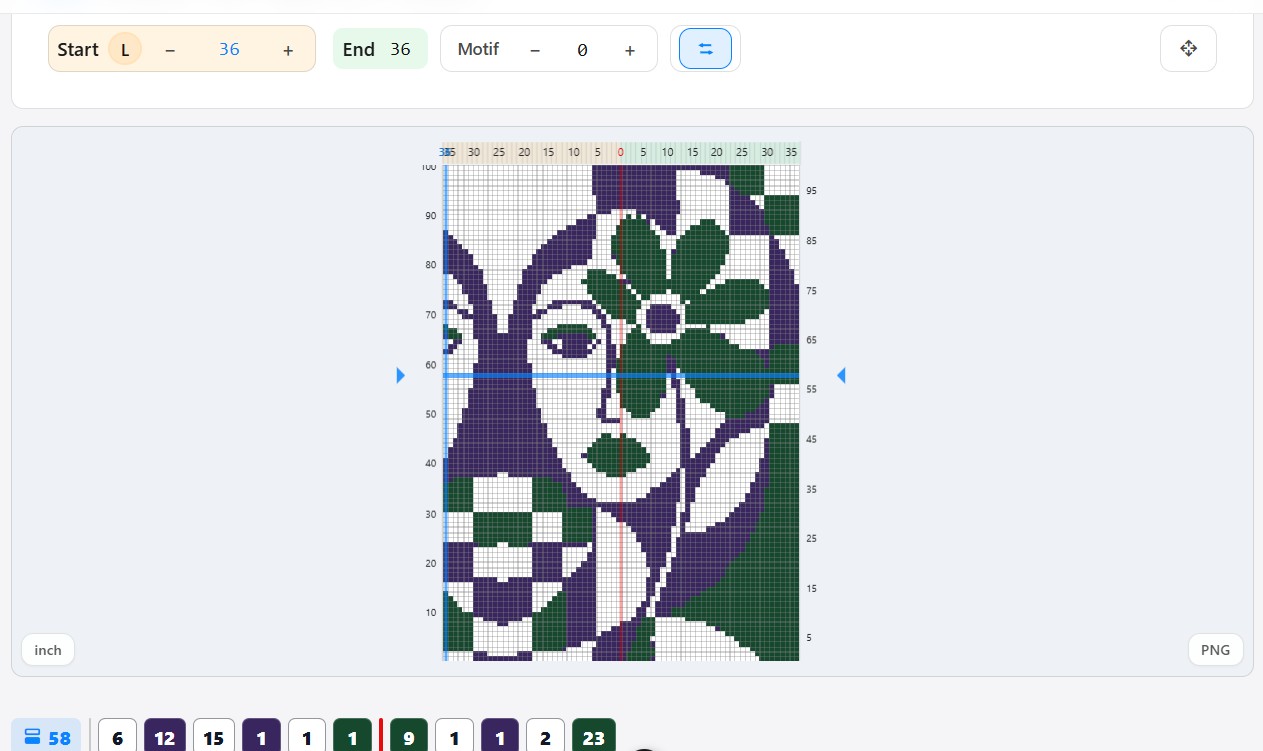
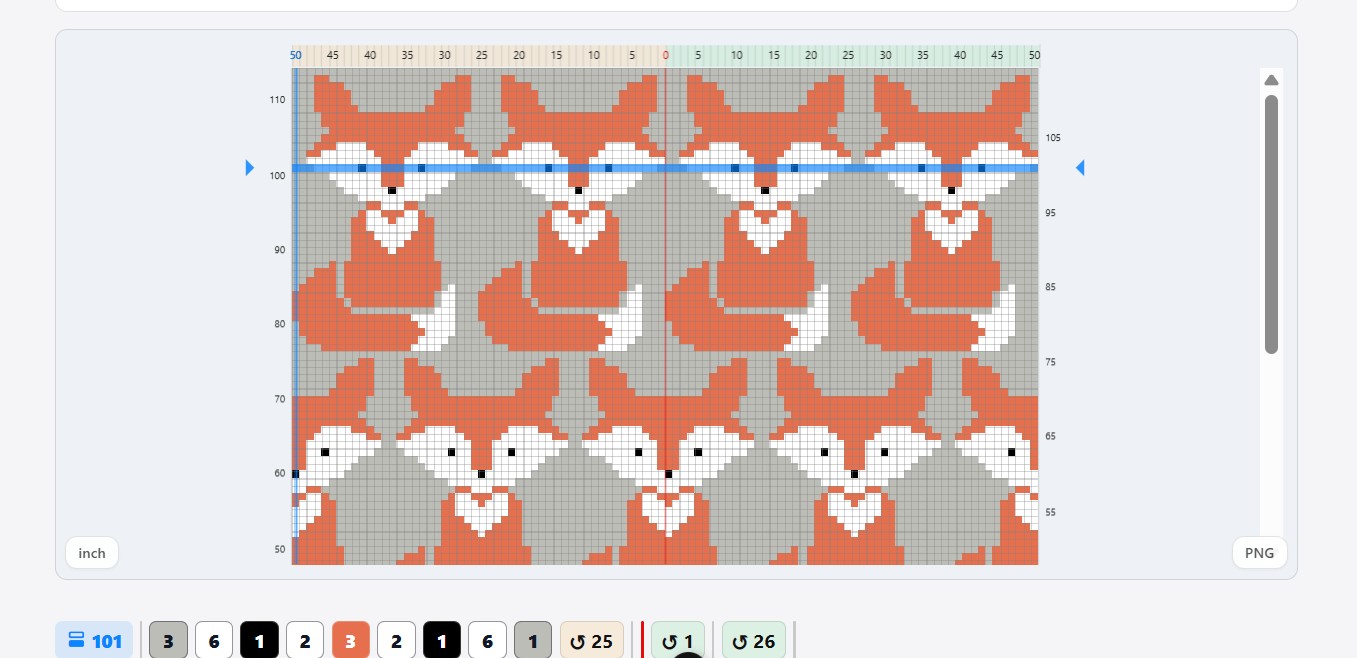
The legend sits below your pattern grid and helps you read the active row before you knit.
A simple row guide below your pattern.
The Colour Count Legend shows the stitch count for each colour in the current row, so you can read the row before you knit it.
Visual example
How the row legend is built.
The legend reads the active row from left to right. Each block shows a colour section, a stitch count, or the start of a repeated sequence.
Colour block
The block colour matches the colour in your pattern. It helps you see which colour section you are looking at.
Number inside the block
The number inside the block is the stitch count. In this example, 17 means 17 stitches of the orange colour.
Loop arrow
The loop arrow appears when the same colour-count sequence starts again. The number shows the needle where that repeated section begins.
Needle-bed centre
The red line marks the middle of the needle bed, so you can see if a colour change is left, right, or close to the centre.
Check colour changes
See where a colour starts, where it ends, and how long it runs.
Prepare special rows
Helpful for hand manipulation or rows that need extra attention.
Read Fair Isle rows
Understand the colour structure before moving the carriage.
Why is it helpful?
It gives you a quick overview of the row before you knit — especially when colour placement matters.
Try it on your next colour row.
Open your pattern in the eKnitter WebApp, activate the Colour Count Legend, and make each row easier to read before knitting.
Have an idea for this feature?
eKnitter grows around real machine knitting workflows. Share what would make the Colour Count Legend even more useful for you.