Personal eKnitter QR Code
Your machine. One scan away.
Scan. Knit. That’s it.
Create your personal eKnitter QR Code, print it once, stick it on your machine — and open eKnitter instantly.
No searching.
No typing.
No tiny interruptions.
Your personal QR Code gives every eKnitter machine its own quick access. It keeps the workflow simple — especially when you just want to sit down and start knitting.
Open the camera on your phone or tablet, scan the code, and your eKnitter WebApp is ready.
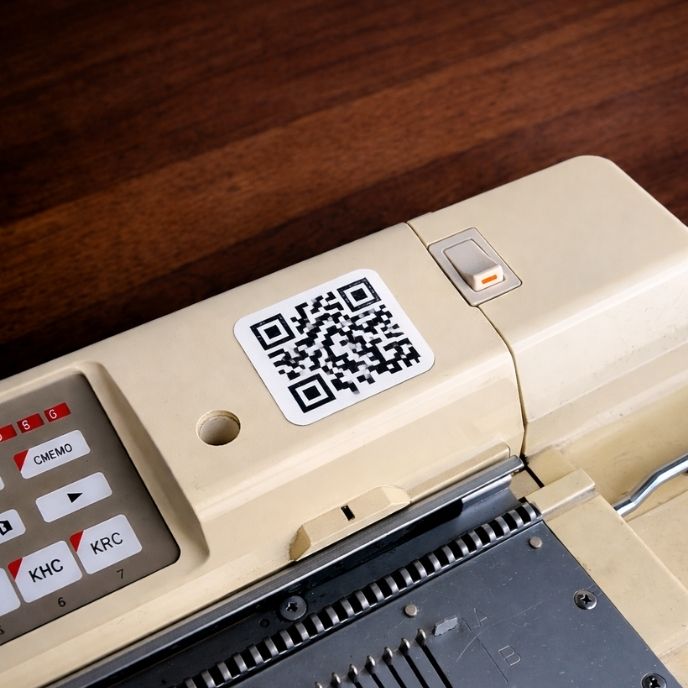
Create your personal QR Code.
Enter the name printed on your eKnitter board, create the QR Code and print it as a sticker for your machine.
Have an idea for eKnitter?
eKnitter grows through real feedback from machine knitters. Tell us what would make your workflow easier, calmer or more enjoyable.
Make your eKnitter easier to open every time.
Create your personal QR Code, print it once, and turn your setup into a simple scan-and-knit workflow.
Scan. Connect. Knit