Pattern Files
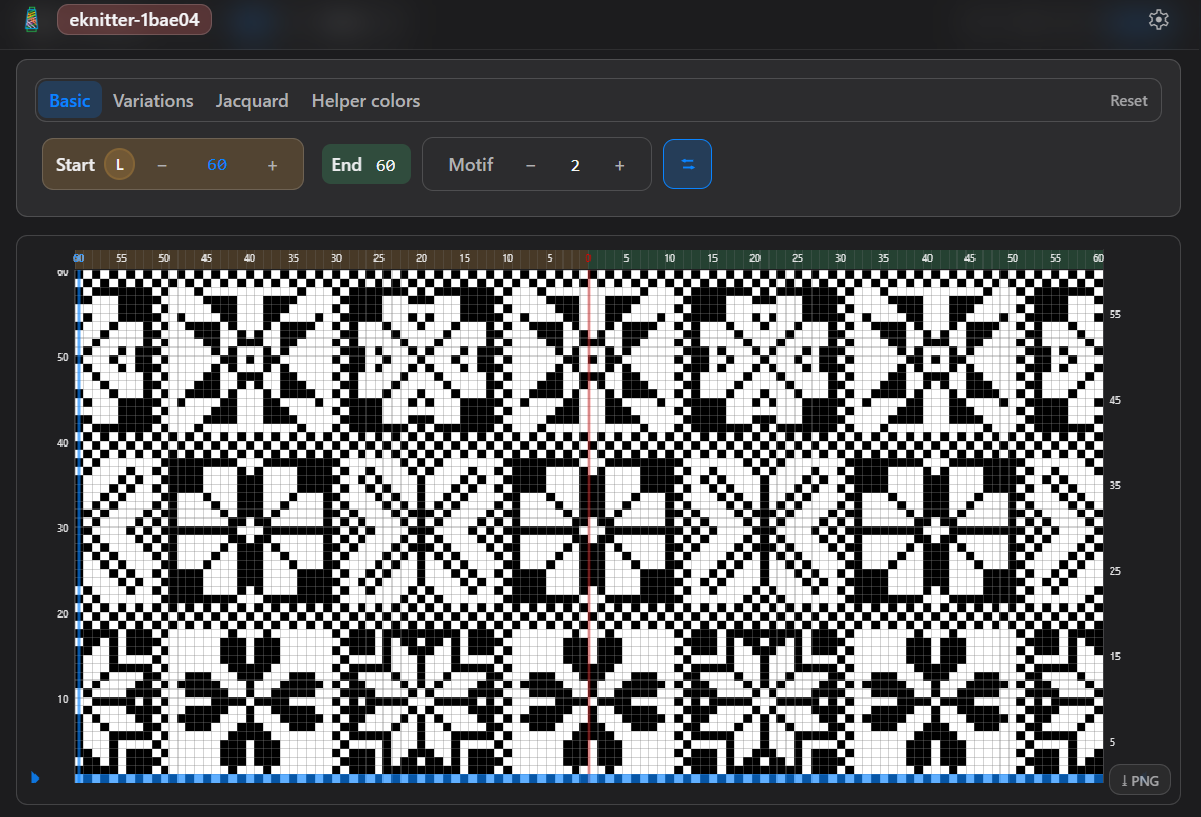
Download the ZIP files. Before you can use them with eKnitter, you need to download and unzip the files on your computer. How it works: 💡 If the file is still zipped, eKnitter cannot read it.
Download the ZIP files. Before you can use them with eKnitter, you need to download and unzip the files on your computer. How it works: 💡 If the file is still zipped, eKnitter cannot read it.
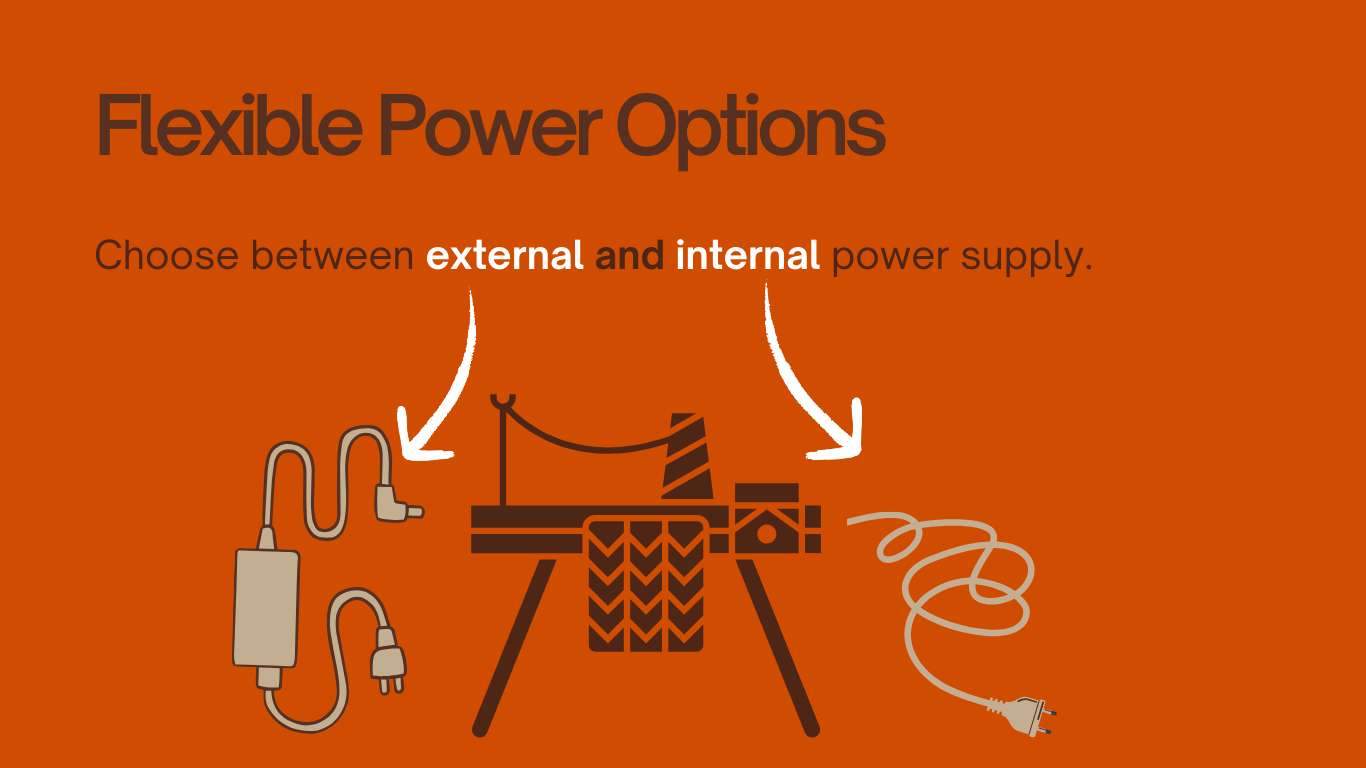
The external power supply is a good choice if you prefer not to use the old original Brother power adapter anymore. It is also very helpful if your knitting machine was made for a different country: ✅ Japanese machine used in EuropeJapanese machines run on 100V, but Europe uses 230V.With the external power supply, you … Read more
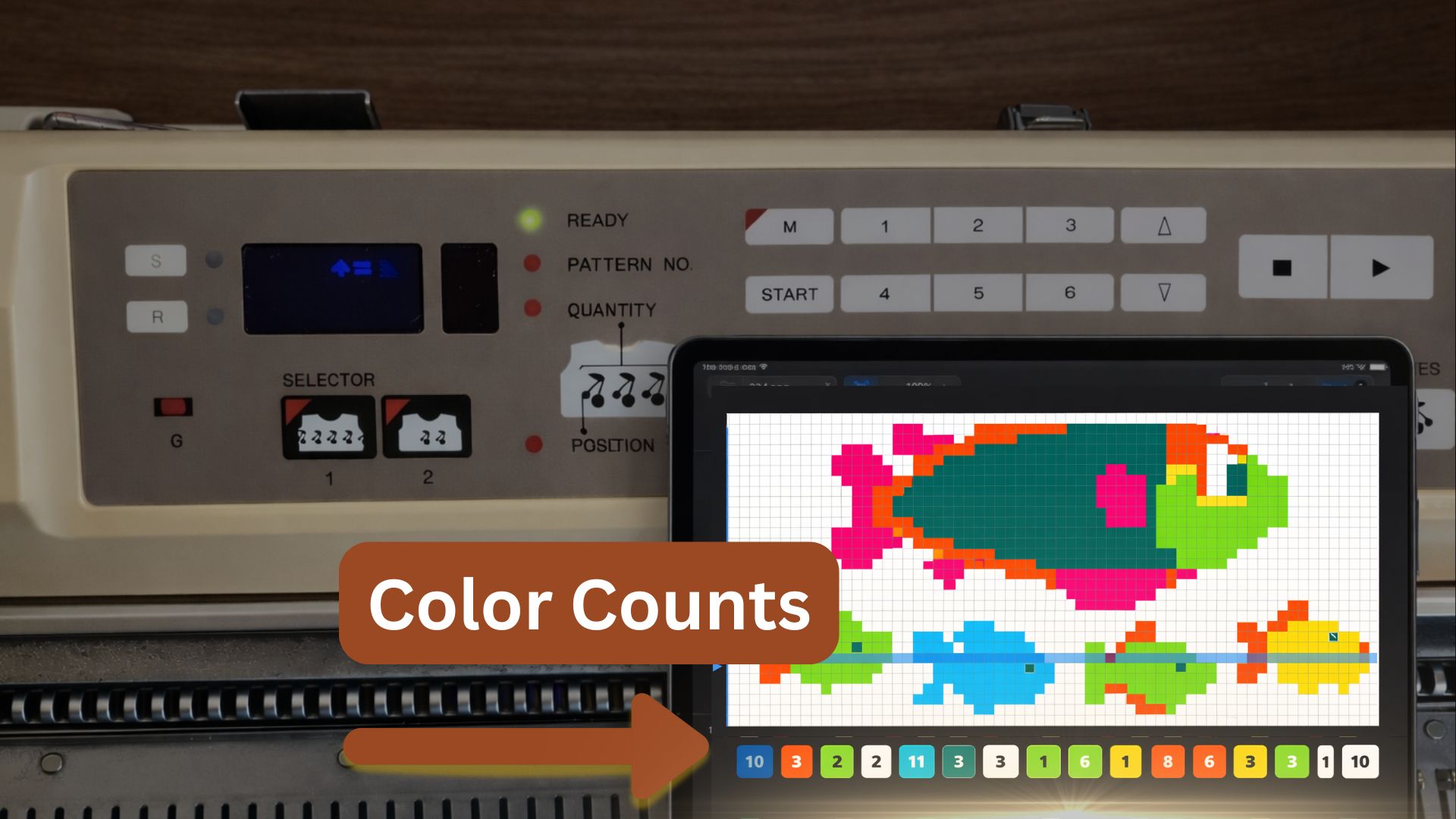
What is the Colour Count row legend? The Colour Count shows how many stitches of each colour appear in a row — and where they are positioned. Directly below your pattern grid, you will find the Colour Count Legend.You can activate or deactivate it in the settings. The legend displays the stitch count per colour … Read more
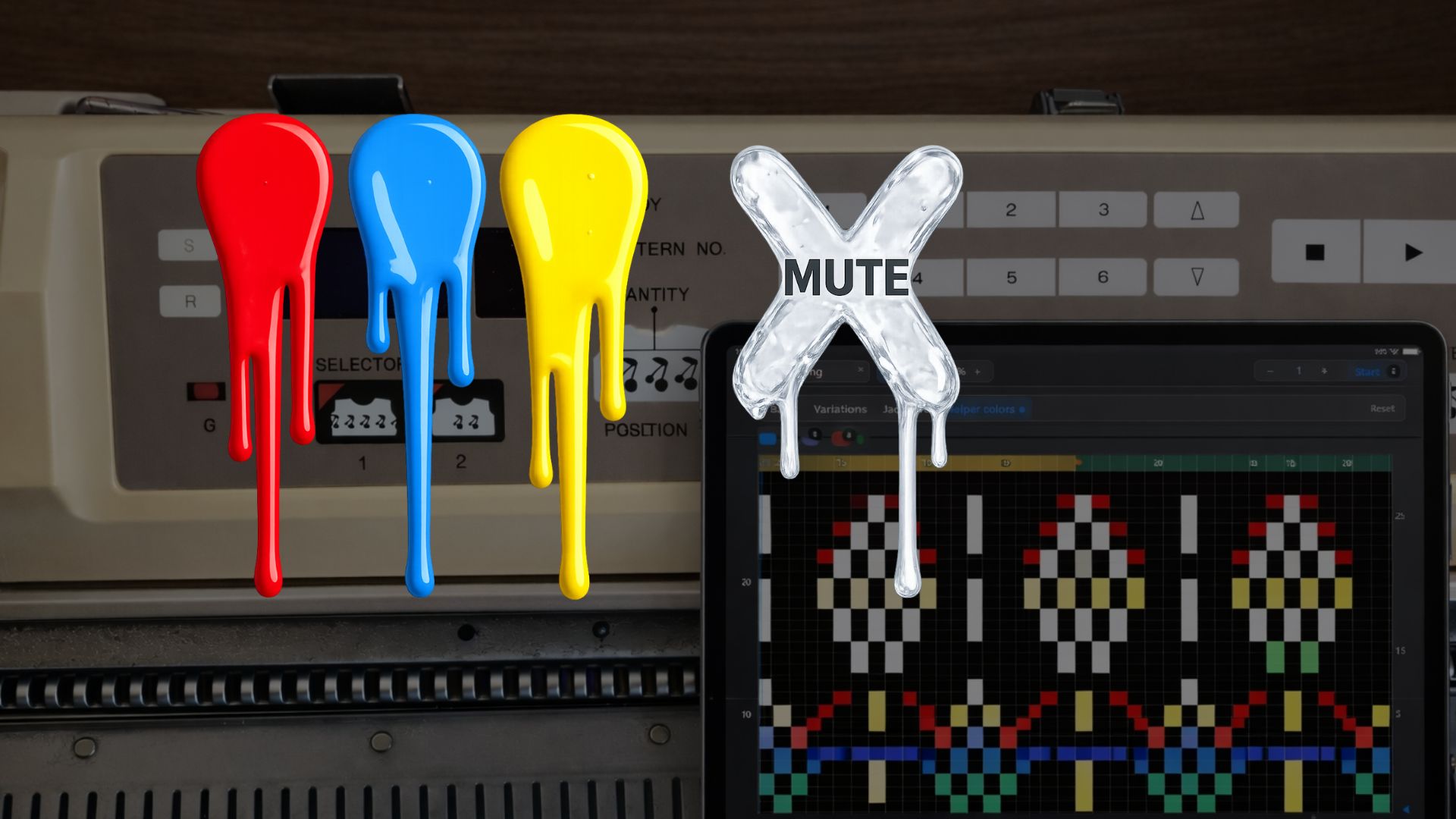
Helper Colors are like having extra invisible punchcard layers inside your stitch chart. On a real Brother punchcard, you only have one fixed set of holes — once it’s punched, that’s the pattern. But in eKnitter, you can add small colored planning dots that are only visible on your screen. When you mute a color, … Read more
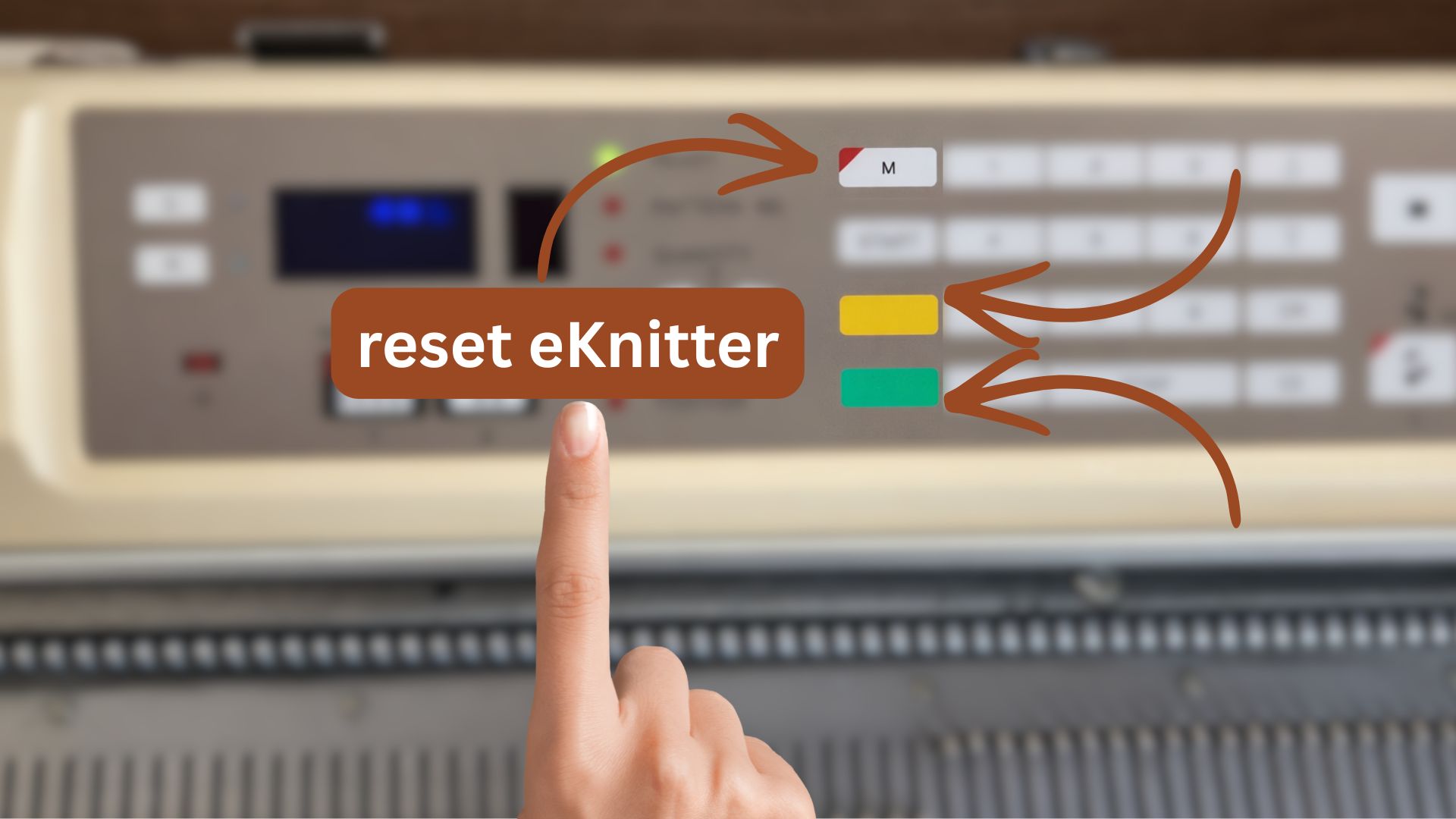
If your Wi-Fi network changes, you can update the Wi-Fi settings saved in your eKnitter.There are three options to change or delete your Wi-Fi settings. Option 1 — Change Wi-Fi in the WebApp (recommended) Use this if your eKnitter is still reachable in your browser. Your eKnitter reconnects automatically. Option 2 — Reset Wi-Fi settings … Read more
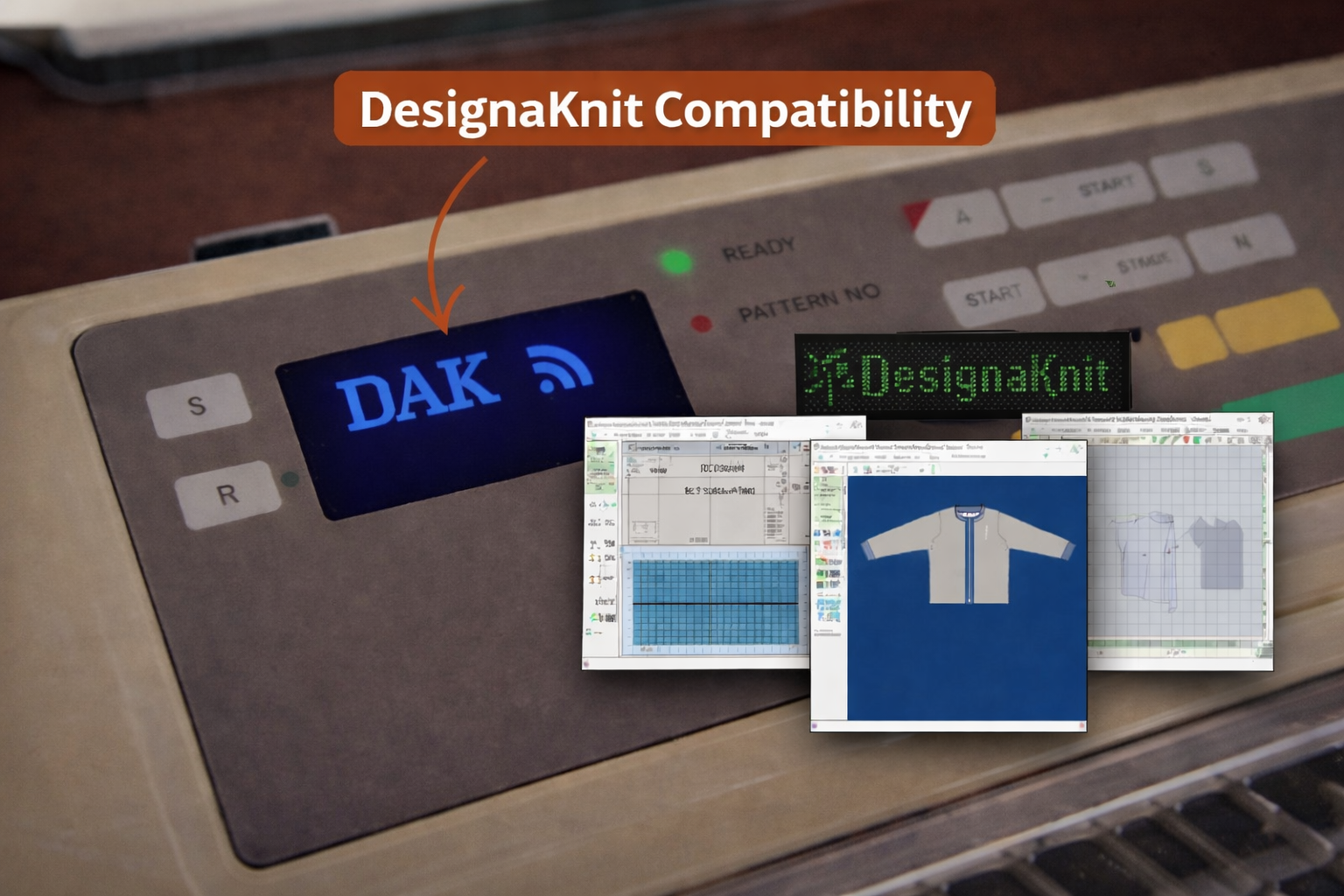
Who Can Use eKnitter with DesignaKnit Compatibility? The new DesignaKnit connection is made for knitters who already love working with DesignaKnit — and want to bring that workflow into a modern, wireless setup. DesignaKnit Users If you already use DesignaKnit 9, you can now connect directly to your Brother machine through eKnitter. Knitters Who Want … Read more
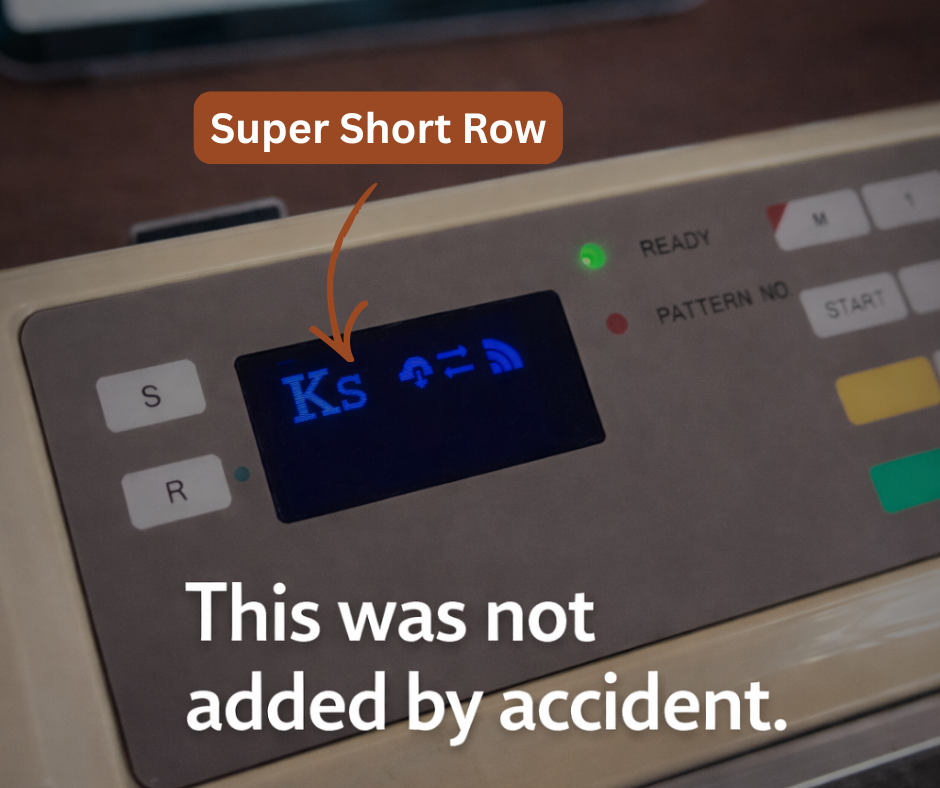
This was not added by accident. If you already use eKnitter — or you’re considering it —this is why we added Super Short Row. We added it while knitting a project like this dress. On the original Brother machine, the next pattern row only advances after passing the middle, where the mechanical row counter sits. … Read more
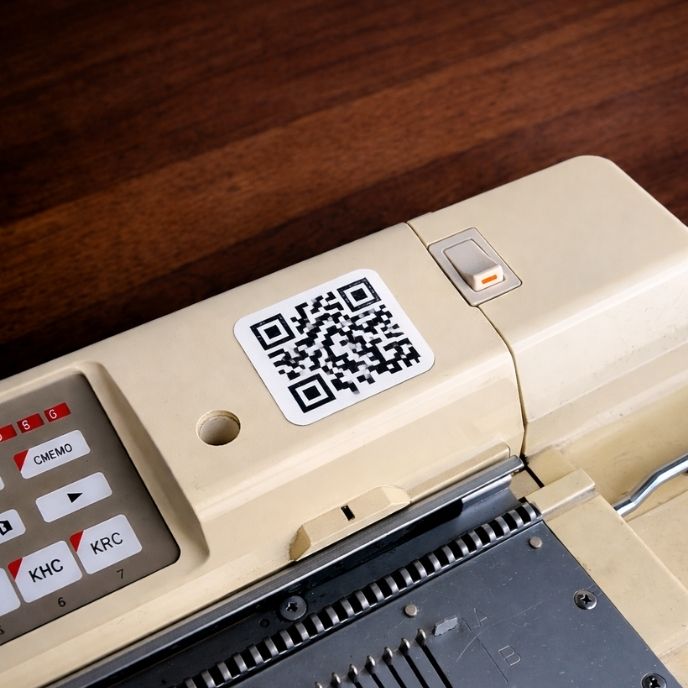
Your personal eKnitter QR Code Scan. Knit. That’s it. Print your personal eKnitter QR Code once, stick it on your machine,scan it — and eKnitter opens instantly. Especially helpful if you…
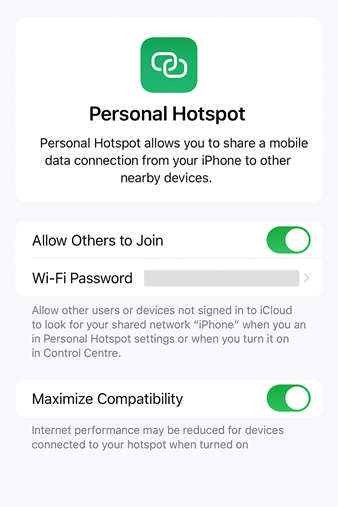
Yes — and here’s how! Some knitters don’t always work from home. They take their knitting machines to classes, workshops, retreats, or even on vacation. So we often hear this question: “Can I use my eKnitter if there’s no Wi-Fi around?”“I often knit in different places and don’t want to ask for the Wi-Fi password … Read more