Step 2 – Connect eKnitter to Wi-Fi
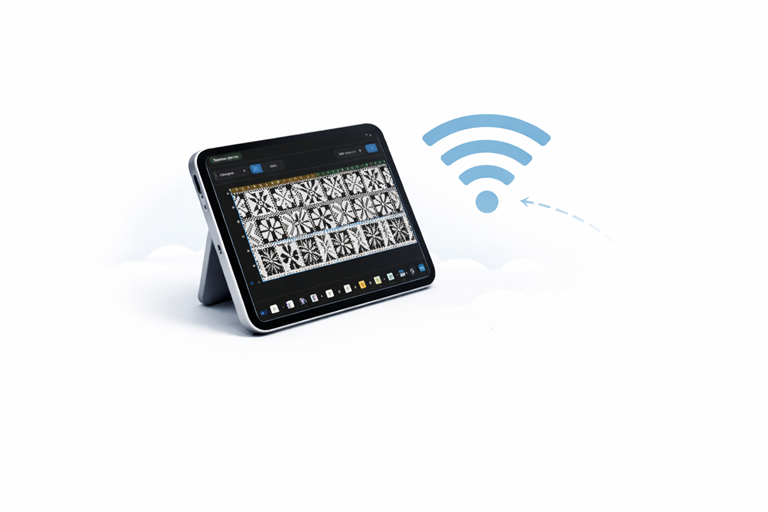
Connect your eKnitter to your home Wi-Fi before you start knitting.
This only needs to be done once.
If your eKnitter is already connected but you cannot find the WebApp, see Access your WebApp.
Make sure you have a working Wi-Fi network in your knitting space.
Set up Wi-Fi
- Turn on your eKnitter.
- Open your Wi-Fi list on your phone, tablet, or computer.
- You will see a new Wi-Fi device — connect to it.
- A setup page opens automatically in your browser.
(This may take a few seconds.)
If it does not open, enter:
http://192.168.4.1/WifiConfig/

 or

http://192.168.4.1/
- Enter your Wi-Fi name and password.
(Pay attention to upper and lower case letters.) - Save the settings.
Using eKnitter with a hotspot (no home Wi-Fi)
If you do not have Wi-Fi at home or in your knitting room, you can use eKnitter with a mobile hotspot (for example from your phone).
Read the step-by-step guide here:
Can I use eKnitter without Wi-Fi at home?
If everything was entered correctly, a Wi-Fi symbol will appear on your eKnitter display.
Wi-Fi Setup new firmware 5.27
Wi-Fi Setup old firmware 4.10
From now on, your eKnitter will connect automatically whenever you turn it on.
If Wi-Fi does not connect
If the display is black or shows only an X, your Wi-Fi details were entered incorrectly and eKnitter cannot connect.
You will need to reset the Wi-Fi settings. Read: Reset Wi-Fi