eKnitter · Creative Ideas
Two Images.
One Creative Trick.
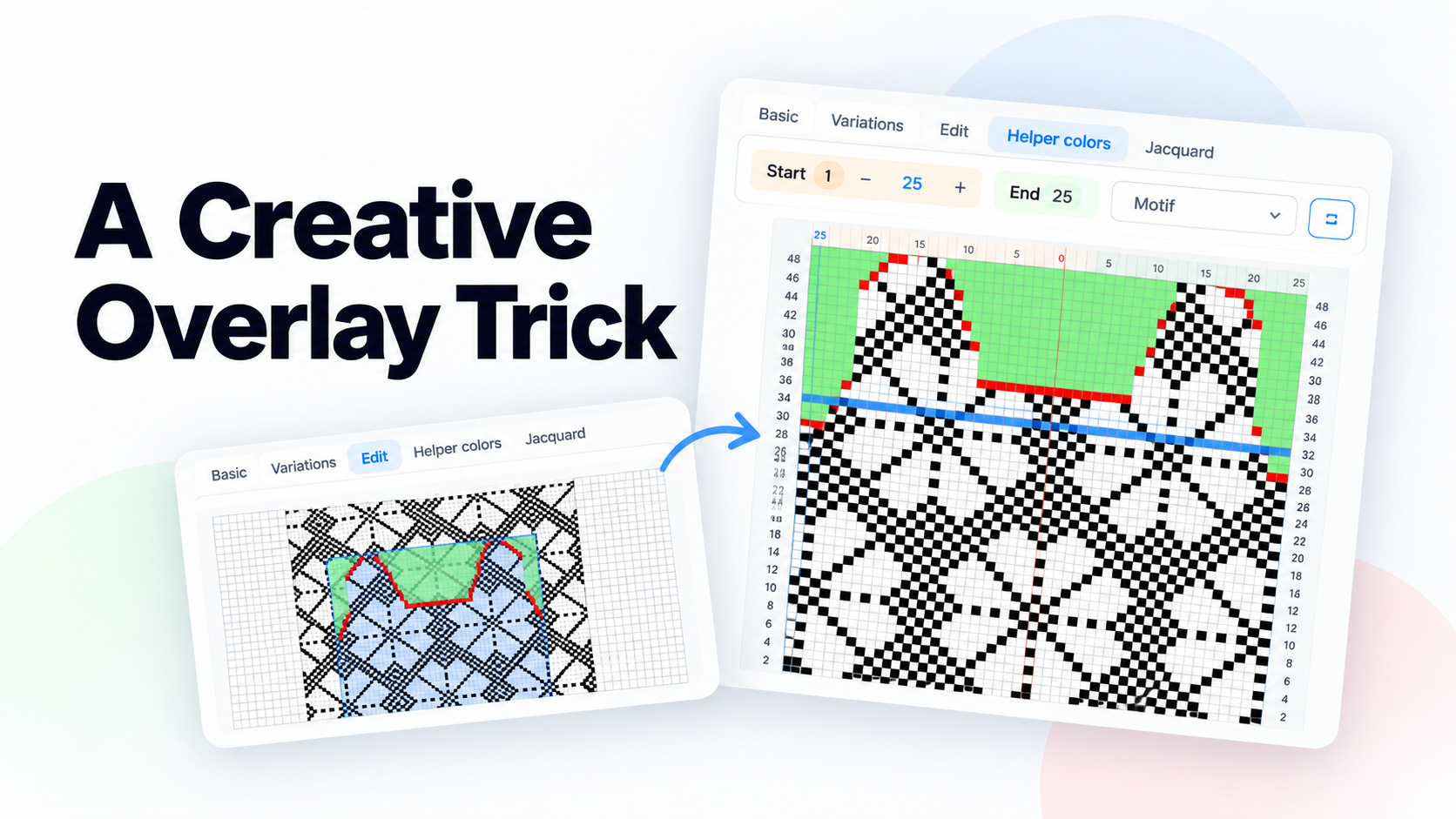
What if you could see your knitting adjustments right on your pattern?
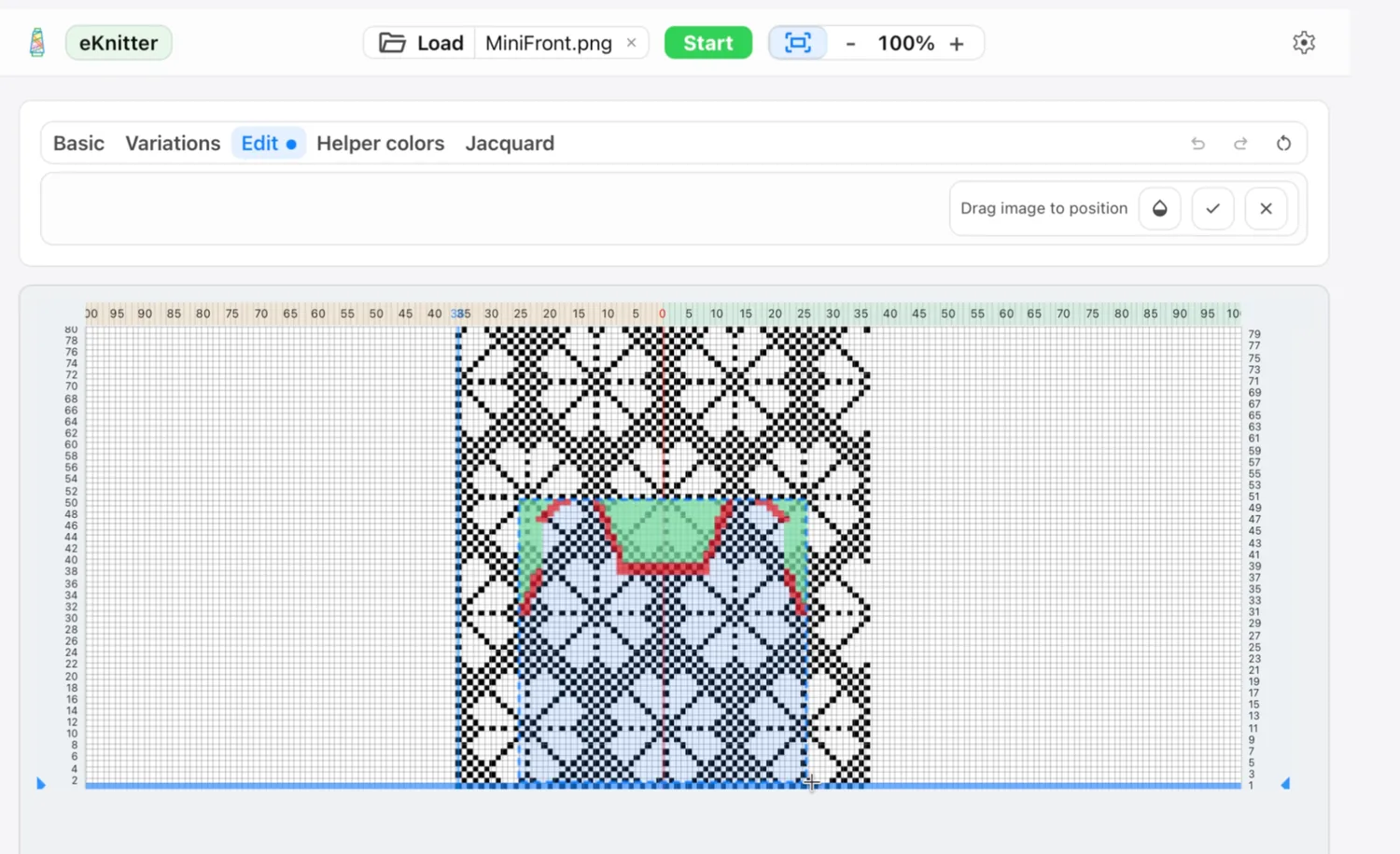
01. Layer your images
Combine your knitting pattern with a transparent image and position it exactly where you need it.
02. See the details
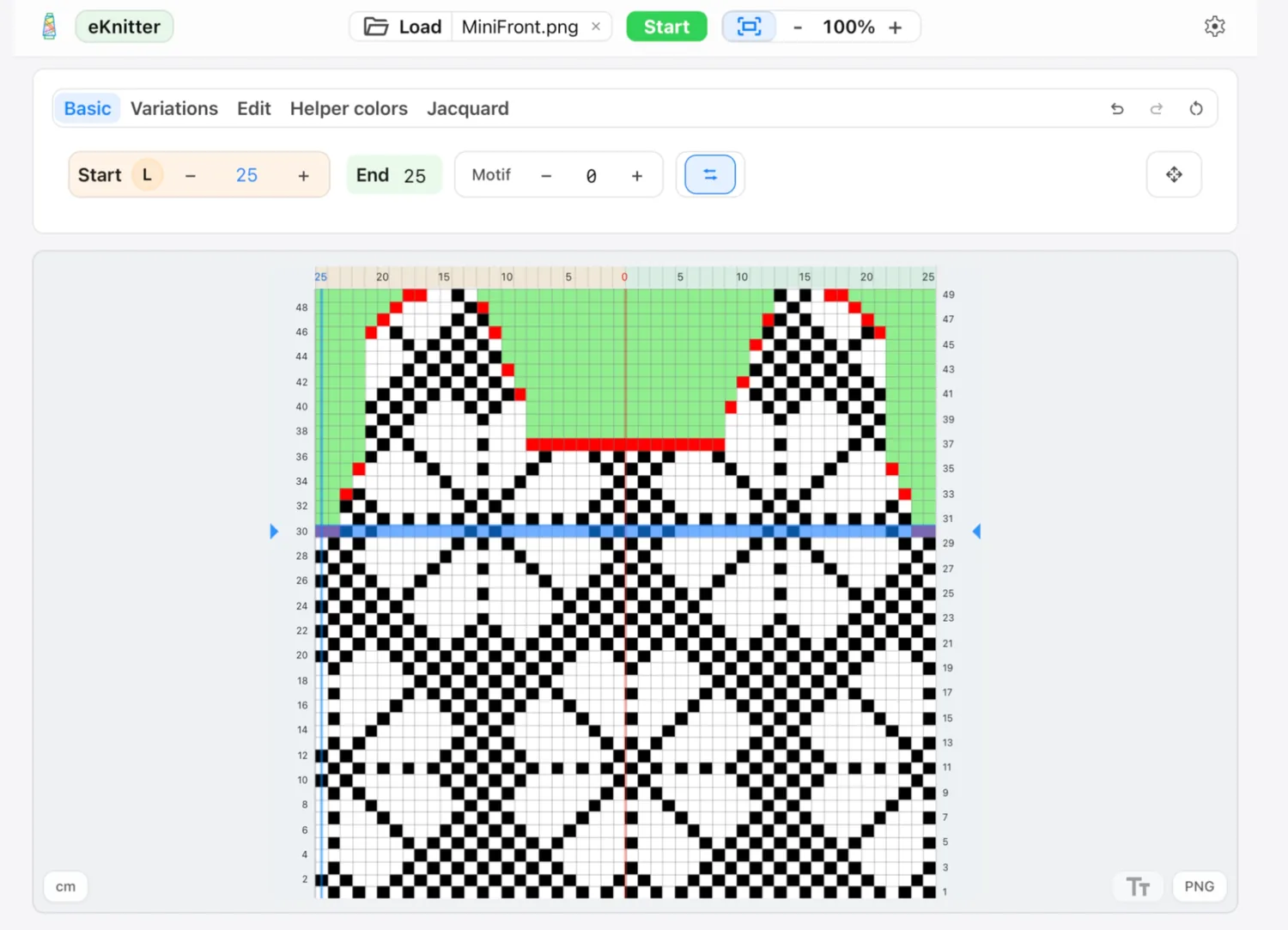
Your pattern stays visible while colored markings help you spot where adjustments are needed.
03. Make the colors work for you
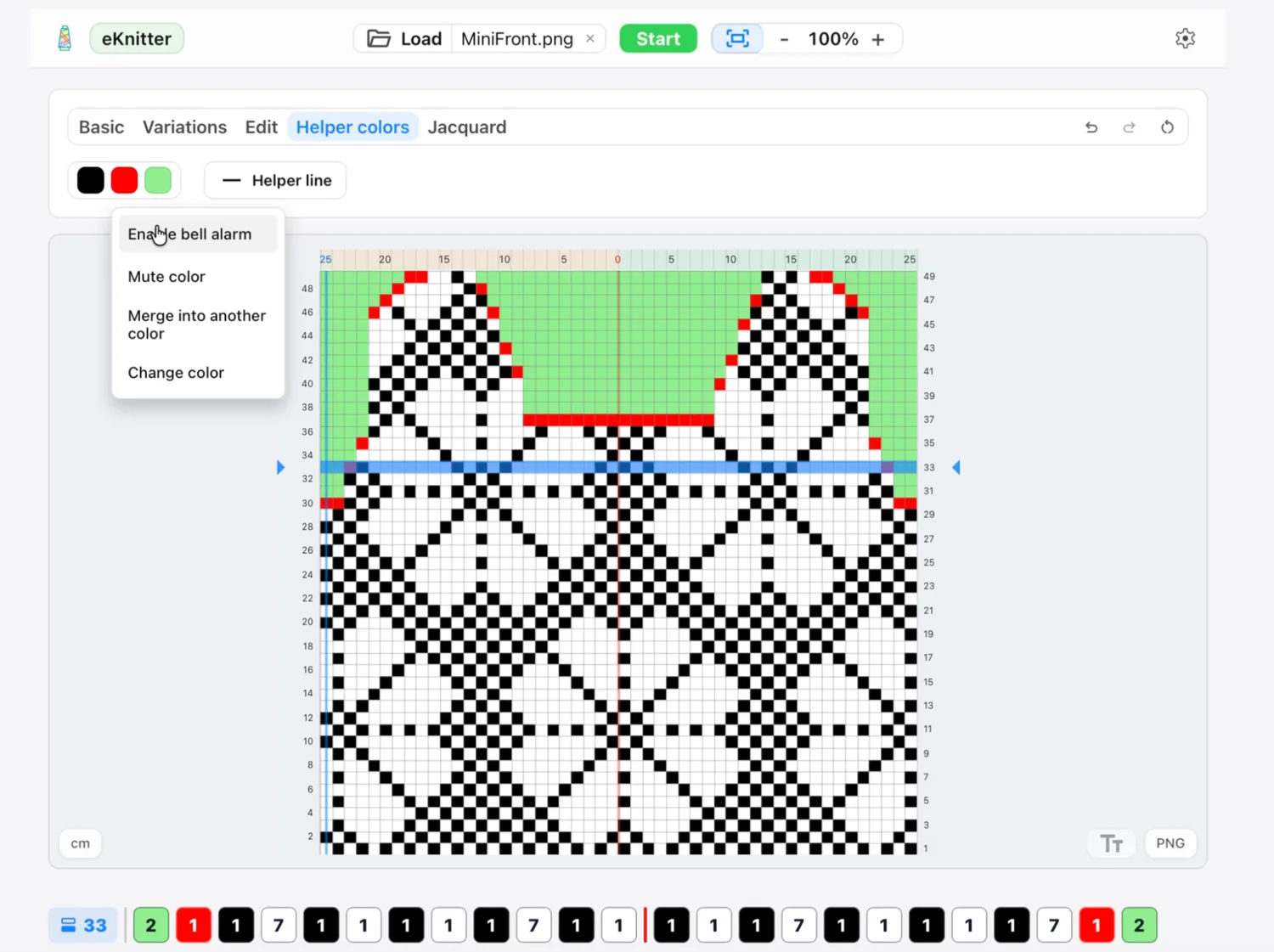
Use Helper Colors to highlight important stitches — and even set an alarm so you know when to pay attention.
A little workaround. A lot of possibilities.
Not a dedicated shaping tool — just a creative way to experiment with features already in the eKnitter WebApp.